

Happy Valentine’s Day Google Gemini Prompt Copy and Paste: Valentine’s Day 2026 is just around the corner, and this year you don’t need expensive photoshoots or editing apps to create stunning romantic images. With Google Gemini AI, you can generate ultra-realistic Valentine’s Day photos using simple copy-paste prompts.
If you want to surprise your girlfriend or boyfriend with unique Valentine’s Day images for Instagram, WhatsApp, or Facebook, these Google Gemini Valentine’s Day AI prompts will help you stand out effortlessly.
Why Use Google Gemini for Valentine’s Day AI Photos?
Google Gemini AI allows you to:
- Create realistic couple photos
- Add Valentine’s Day text and names
- Generate cinematic, DSLR-style images
- Upload your own face photos for personalization
- Create social-media-ready images in seconds
All you need to do is copy and paste the prompts below.
Happy Valentine’s Day Google Gemini Prompt Copy and Paste (2026)
1. Romantic Outdoor Pose (Valentine Day Prompt)
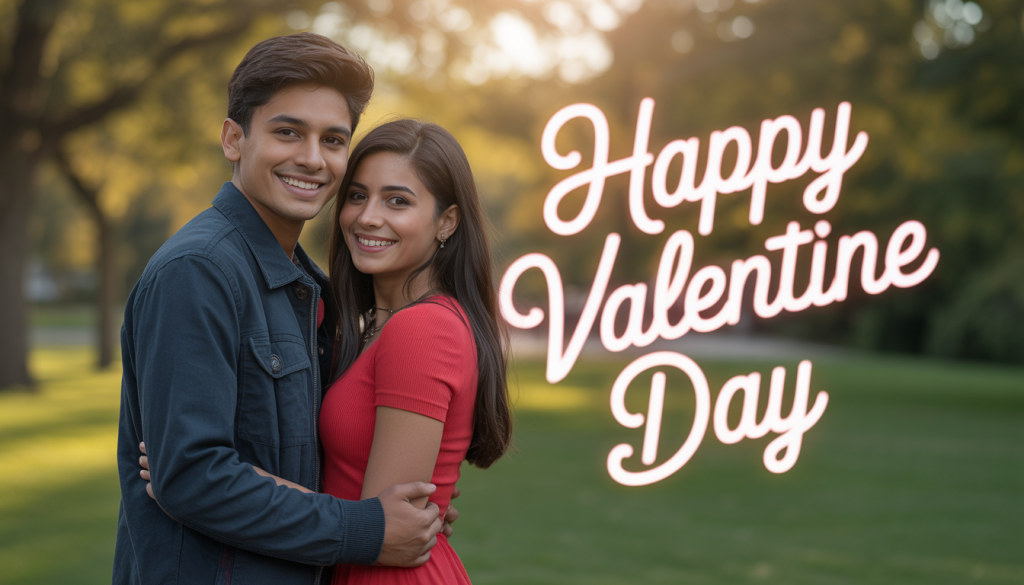
Prompt:
An ultra-realistic photo of a 25-year-old Indian boy and girl standing close together in a beautiful park, soft sunset lighting. The boy is wearing a casual jacket, the girl is wearing a red dress, both smiling naturally. In the background, stylish glowing text “Happy Valentine Day”, cinematic depth of field, DSLR look, realistic shadows, romantic mood, 4K quality.
2. Cozy Café Valentine Vibe Prompt

Prompt:
A 25-year-old Indian couple sitting in a cozy café, holding hands across the table, coffee cups visible, warm indoor lighting, candid realistic expressions. On the wall behind them written “Valentine Day”, soft bokeh lights, ultra-realistic, iPhone-style photography, high detail, romantic aesthetic.
3. I Love You Text Special Prompt
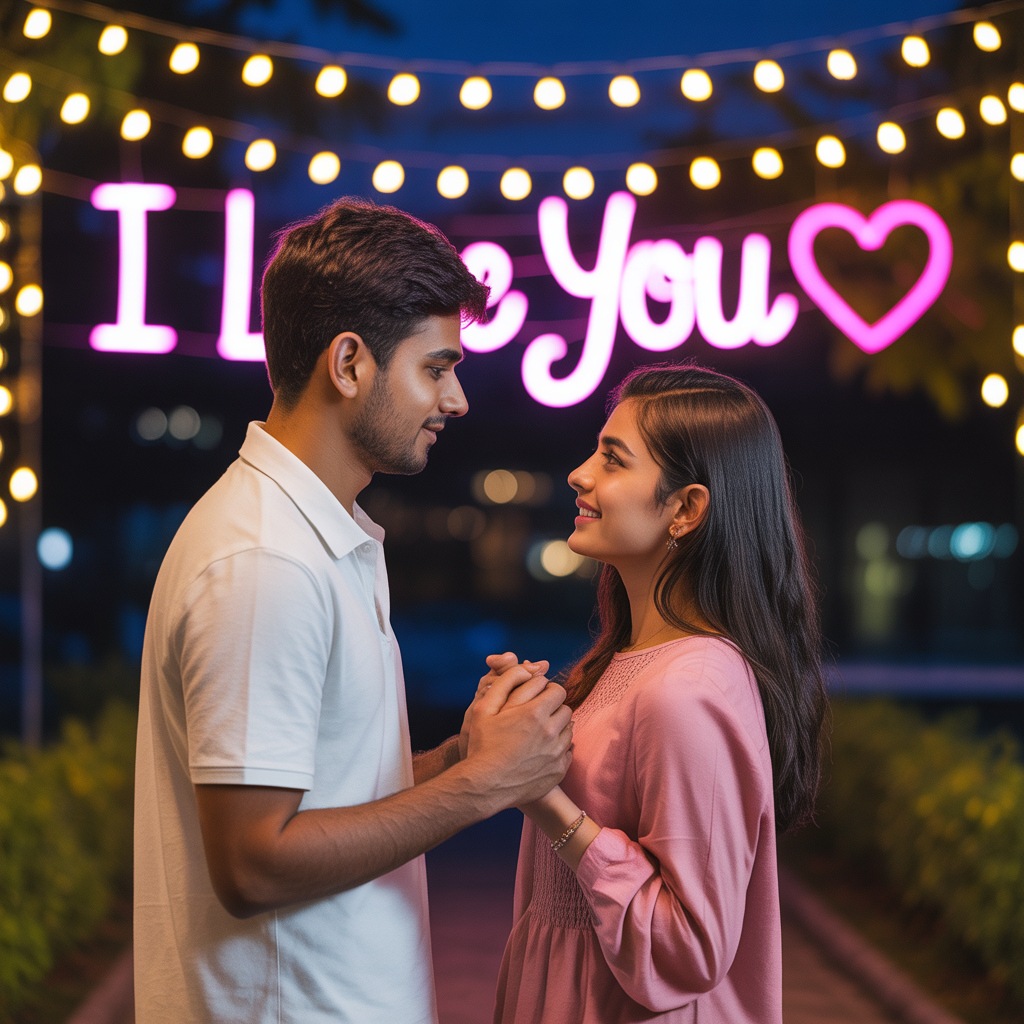
Prompt:
A realistic portrait of a young Indian couple (25 years old) standing under fairy lights at night. The boy gently holds the girl’s hand with emotional eye contact. Neon glowing text “I Love You ❤️” behind them, Valentine Day theme, cinematic lighting, ultra HD, natural skin tones.
4. Rose Proposal Moment Prompt

Prompt:
A 25-year-old Indian boy giving a red rose to a smiling girl, both wearing stylish outfits in an outdoor evening Valentine setup. Floating heart lights and glowing text “Happy Valentine Day”, ultra-realistic photography, shallow depth of field, professional camera quality.
5. Name Editable Valentine Prompt

Prompt:
A romantic realistic photo of a 25-year-old Indian couple standing side by side in soft daylight with gentle smiles. Behind them elegant glowing text “Happy Valentine Day – [Your Name ❤️ Partner Name]”, premium cinematic look, natural colors, high-quality realism.
6. Hug & Warm Emotion Prompt

Prompt:
An ultra-realistic image of a 25-year-old Indian boy hugging his girlfriend from behind, both looking happy and relaxed. Valentine Day decorations with balloons and hearts, background text “Valentine Day”, soft pastel tones, DSLR photography, romantic mood.
7. Night Romantic Walk Prompt

Prompt:
A cinematic night scene of a 25-year-old Indian couple walking hand in hand on an empty road, glowing street lights, dreamy romantic atmosphere. Stylish text “Happy Valentine Day” in the sky, ultra-realistic, high contrast, movie-like quality.
8. I Love U + Valentine Combo Prompt

Prompt:
A realistic close-up portrait of a young Indian couple (25 years old), faces close together with soft smiles. Background blurred with glowing text “Valentine Day” and “I Love U”, dreamy lighting, high resolution, professional photography style.
9. Traditional Indian Valentine Look Prompt
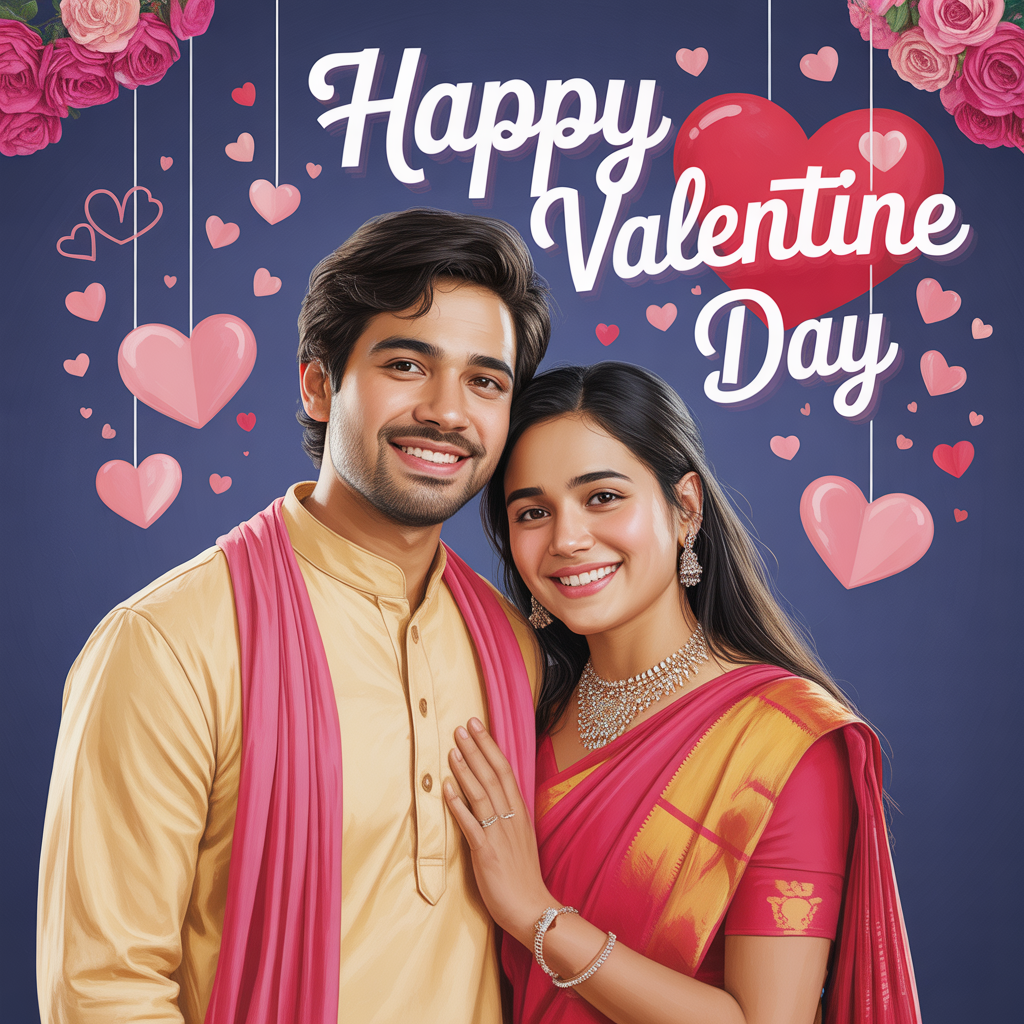
Prompt:
A 25-year-old Indian boy wearing a kurta and a girl wearing a saree, standing together with romantic expressions. Festive Valentine theme with decorative hearts and text “Happy Valentine Day”, ultra-realistic, rich colors, sharp details, cultural romantic vibe.
10. Minimal Aesthetic Name Prompt

Prompt:
A clean, aesthetic Valentine Day image of a 25-year-old Indian couple sitting peacefully together, neutral background, soft lighting. Minimal stylish text “Valentine Day – [Name Here]”, realistic photography, premium high-quality look.
How to Create Valentine’s Day AI Photos Using Google Gemini
Follow these simple steps:
Step 1: Open the Google Gemini website or app (Android/iOS).
Step 2: Use the latest Gemini version for better image results.
Step 3: Copy any Valentine’s Day prompt from above and paste it.
Step 4: For realistic faces, upload your photo using the “+” icon.
Step 5: Add this line:
“Use the faces from the uploaded images to generate the scene.”
Final Words
Using these Happy Valentine’s Day Google Gemini Prompt Copy and Paste 2026, you can easily create romantic, realistic, and eye-catching images that look completely different from regular Valentine posts. Add your names, upload your photos, and let AI do the magic.
Perfect for:
- Instagram posts
- WhatsApp DP & status
- Facebook stories
- Valentine surprise edits